Quick answer
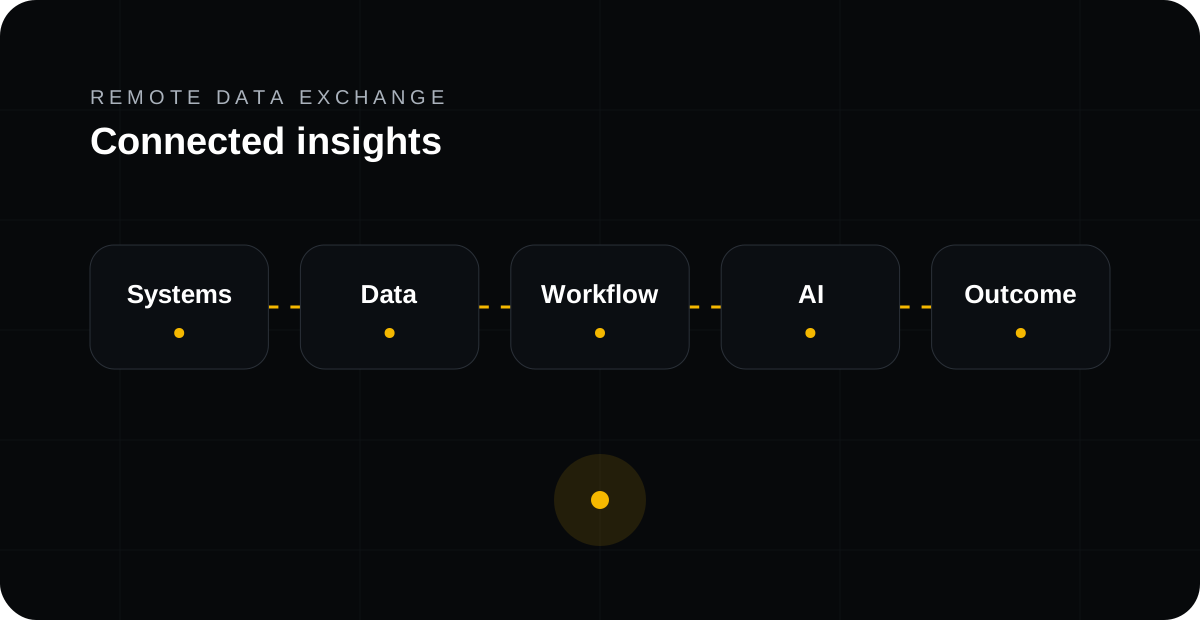
AI automation fails when AI is treated as a standalone interface while the operational data, approvals and actions remain locked inside separate systems. Useful automation requires trusted context, clear workflow ownership and controlled connections back to the applications where work happens.
1. AI needs context, not just prompts
A model can summarise or classify information, but an operational workflow needs customer records, order status, asset history, permissions, documents and business rules. When those are spread across CRM, ERP, databases and files, people end up copying context manually and the automation stops being scalable.
2. Integration turns AI output into operational work
The important step is often what happens after the AI produces an answer. A classified email may need to create a case, enrich a CRM record, notify a technician, request approval or update an ERP workflow. System integration provides the governed route for those actions.
3. Data quality and validation matter before automation
Automating bad or incomplete data simply makes mistakes travel faster. RDX validates required fields, formats and business rules before information is routed to the next system.
4. Human checkpoints still matter
AI can interpret unstructured information, but the workflow should define where a human must review, approve or override an action. This is especially important in regulated, financial, healthcare and safety-sensitive operations.
5. Start with one measurable workflow
A practical first project is a process that crosses multiple systems, happens frequently, requires repeated manual handling and has a measurable delay or cost. Examples include service request to work order, order intake to ERP, project milestone to invoice or support request to service desk.
Questions
What is the first step for this type of project?
Start with a real workflow, identify the systems involved and define the measurable business outcome before choosing tools.
Does RDX replace existing systems?
Usually no. RDX connects existing applications and data so they can work together more effectively.
Where does AI fit?
AI is introduced where it can interpret unstructured information, retrieve context or support a decision inside a governed workflow.